Créer une règle de tag
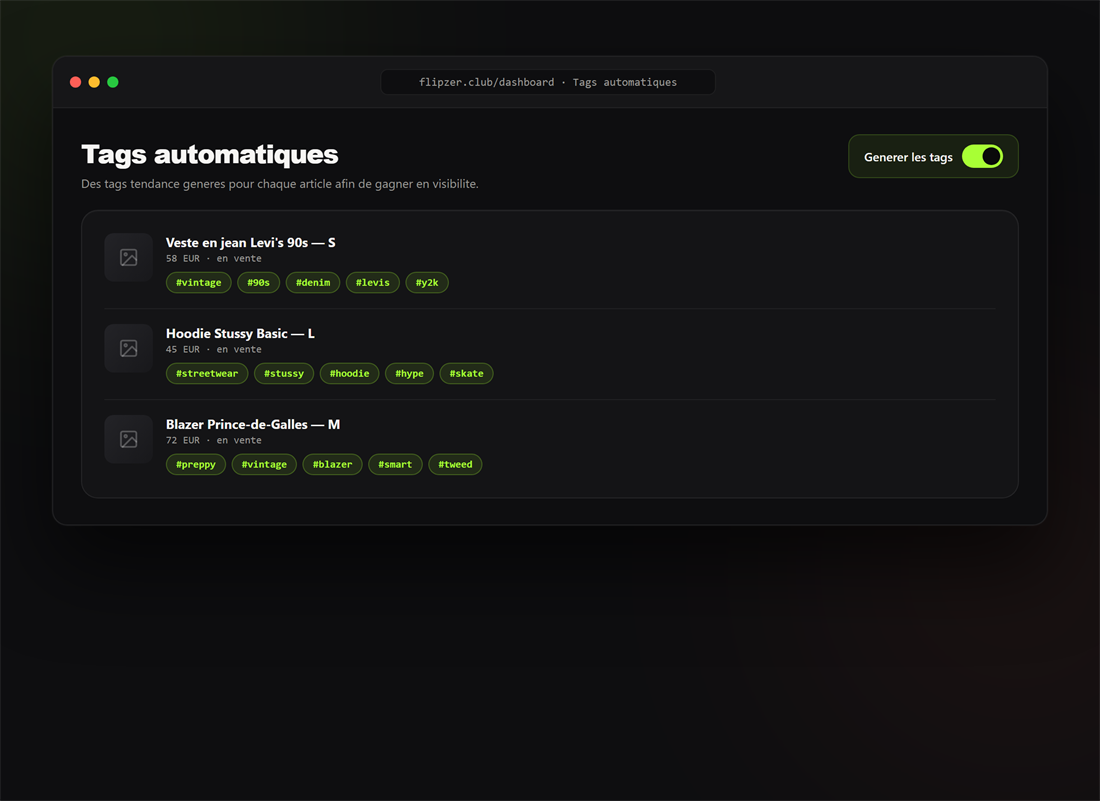
- Ouvrez l'Auto Mode et la section Tags.
- Définissez une condition (ex. prix bas, catégorie donnée).
- Associez un tag : il s'applique automatiquement aux articles correspondants.
Prêt à essayer ?
Installez Flipzer et automatisez vos ventes Vinted depuis votre navigateur.
Commencer gratuitement