flipzer← DOCUMENTATION
ACCOUNT & SETTINGS

Link your Discord account

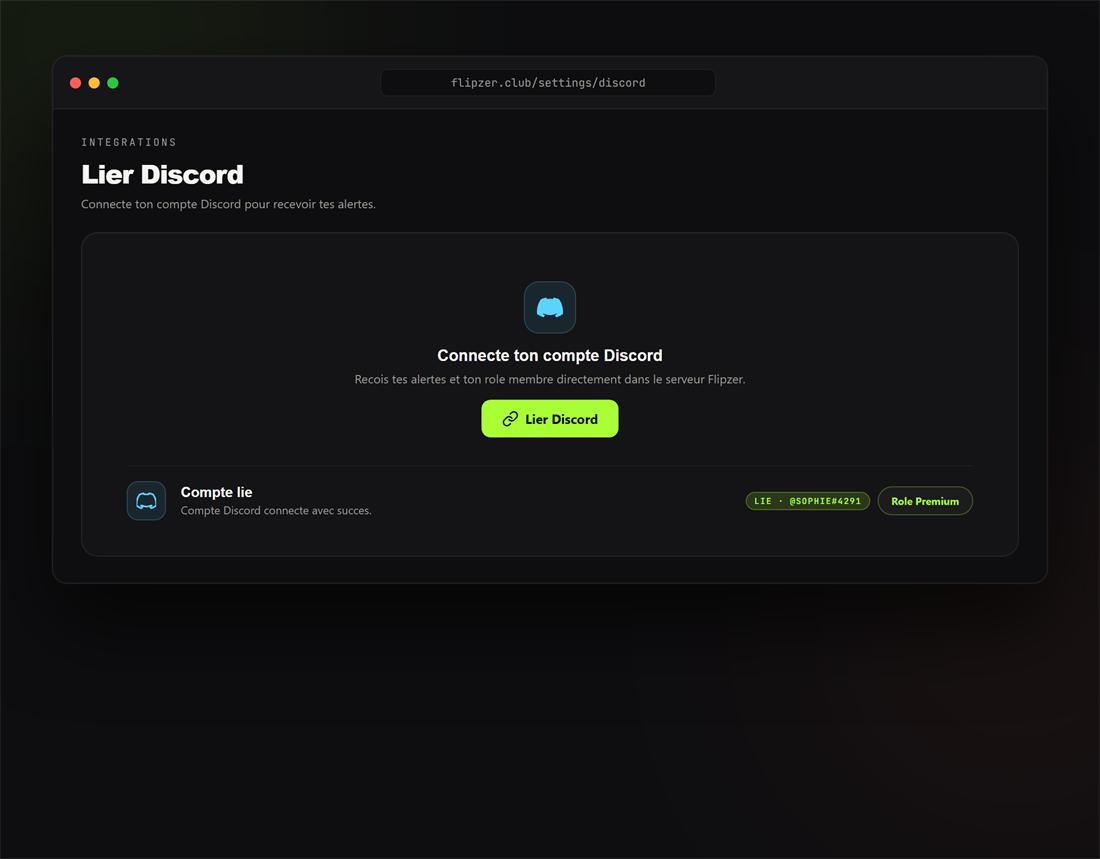
Linking your Discord account gives you access to the Flipzer community and the roles matching your plan. The link is made through a secure connection.

Link Discord

  1. Open the Settings.
  2. Click "Link Discord" and authorise the connection.
  3. Your role is assigned automatically.
Discord link settings in Flipzer
Linking your Discord account

POUR ALLER PLUS LOIN

Prêt à essayer ?

Installez Flipzer et automatisez vos ventes Vinted depuis votre navigateur.

Commencer gratuitement