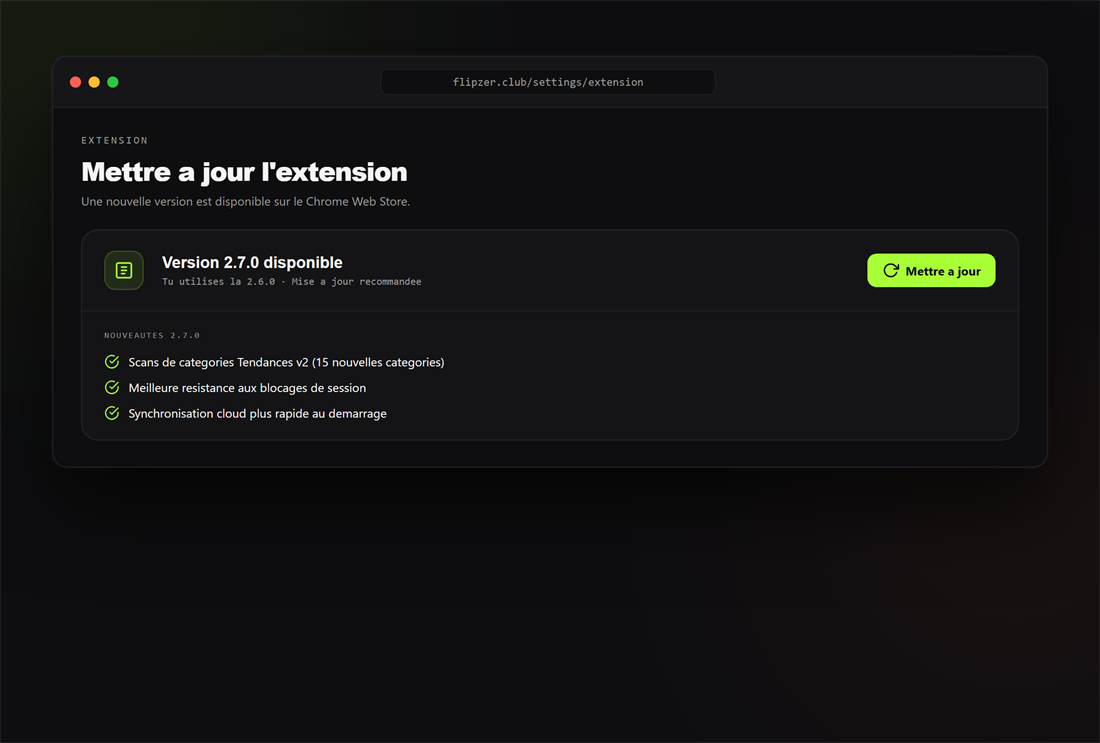
Forcer la mise à jour
- Ouvrez la page des extensions de votre navigateur (chrome://extensions/).
- Activez le mode développeur, puis cliquez sur « Mettre à jour ».
- Rechargez vos onglets Vinted.
Prêt à essayer ?
Installez Flipzer et automatisez vos ventes Vinted depuis votre navigateur.
Commencer gratuitement