Solutions rapides
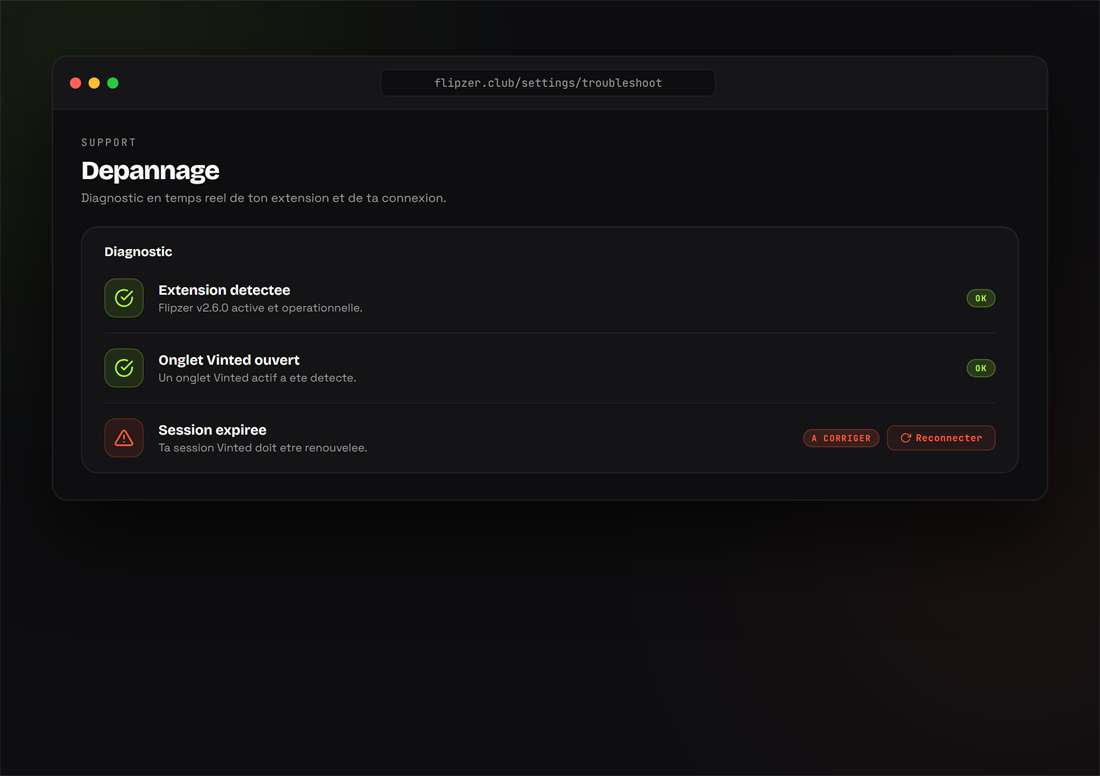
- Extension inactive : rechargez la page Vinted et vérifiez que vous êtes connecté à Vinted.
- Synchronisation bloquée : gardez un onglet Vinted connecté ouvert, puis relancez un cycle.
- Profil non détecté : ouvrez votre profil Vinted dans le navigateur avant d'ouvrir Flipzer.
- Mise à jour : vérifiez que vous êtes sur la dernière version (onglet Extension).
Toujours bloqué ? Contactez le support : contact@flipzer.club.
Questions fréquentes
Pourquoi mon extension est-elle inactive ?
Le plus souvent parce qu'aucun onglet Vinted connecté n'est ouvert, ou parce que la session Vinted a expiré. Reconnectez-vous à Vinted et rechargez la page.
Prêt à essayer ?
Installez Flipzer et automatisez vos ventes Vinted depuis votre navigateur.
Commencer gratuitement