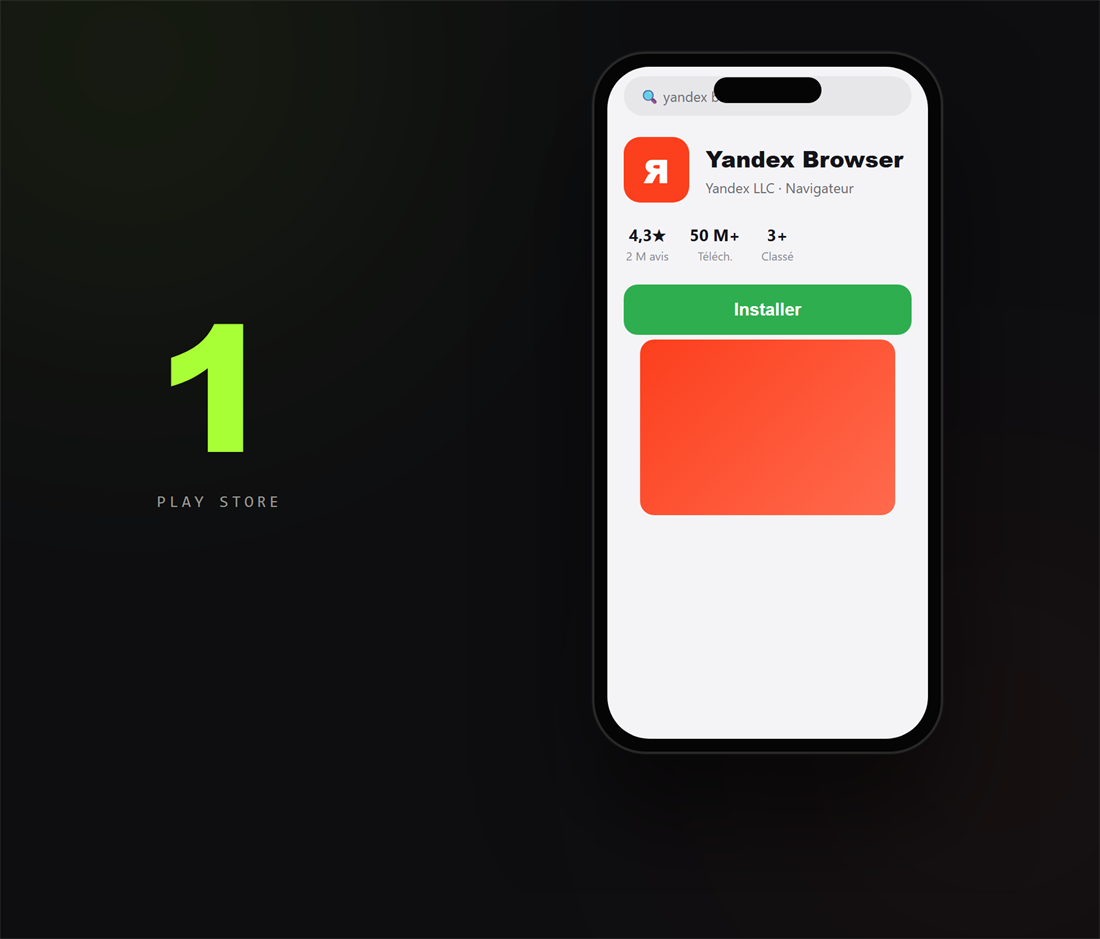
1. Installe Yandex Browser
Sur le Play Store, cherche « Yandex Browser » et installe-le : c'est le navigateur Android qui accepte les extensions Chrome (le Chrome d'Android, lui, ne les installe pas).
2. Ajoute l'extension Flipzer
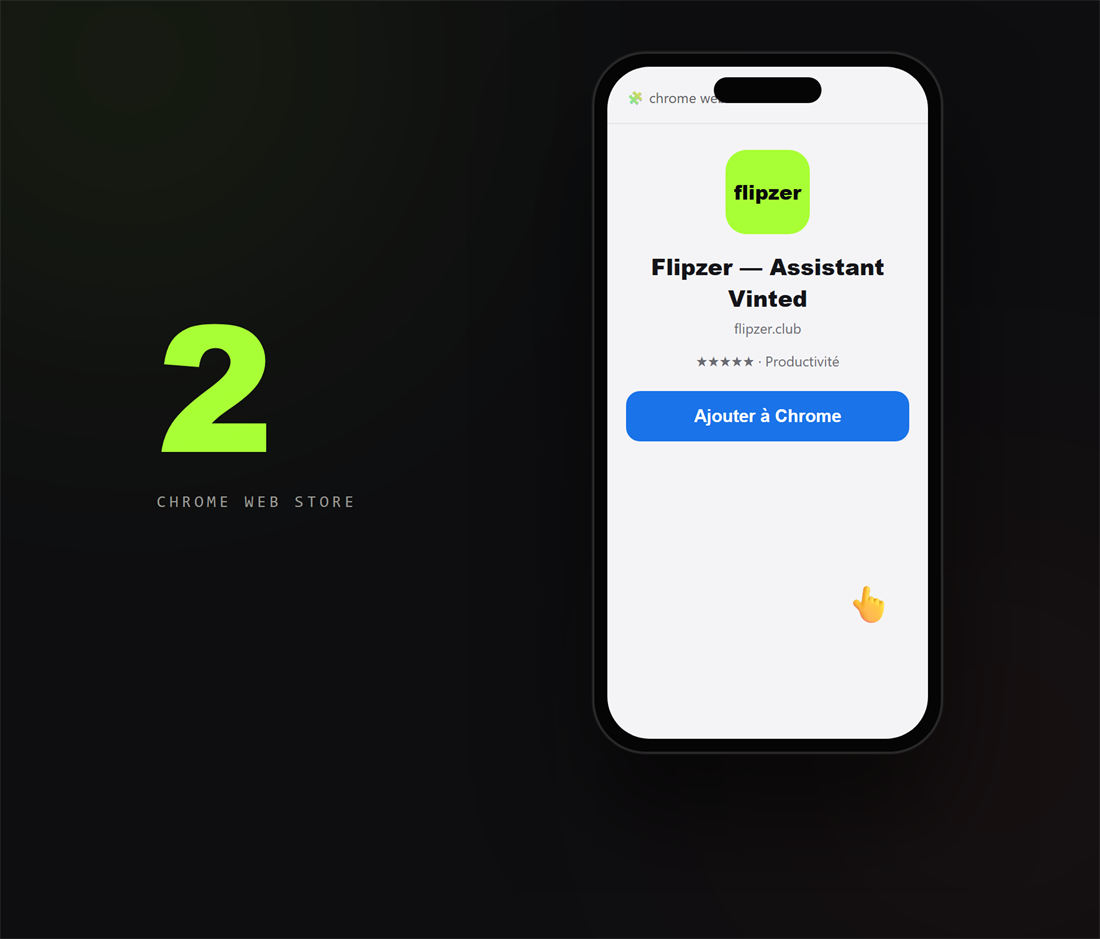
Dans Yandex, ouvre la fiche Flipzer — le lien est dans ton tableau de bord, onglet « Extension » — puis appuie sur « Ajouter à Chrome ».
3. Connecte-toi à Vinted
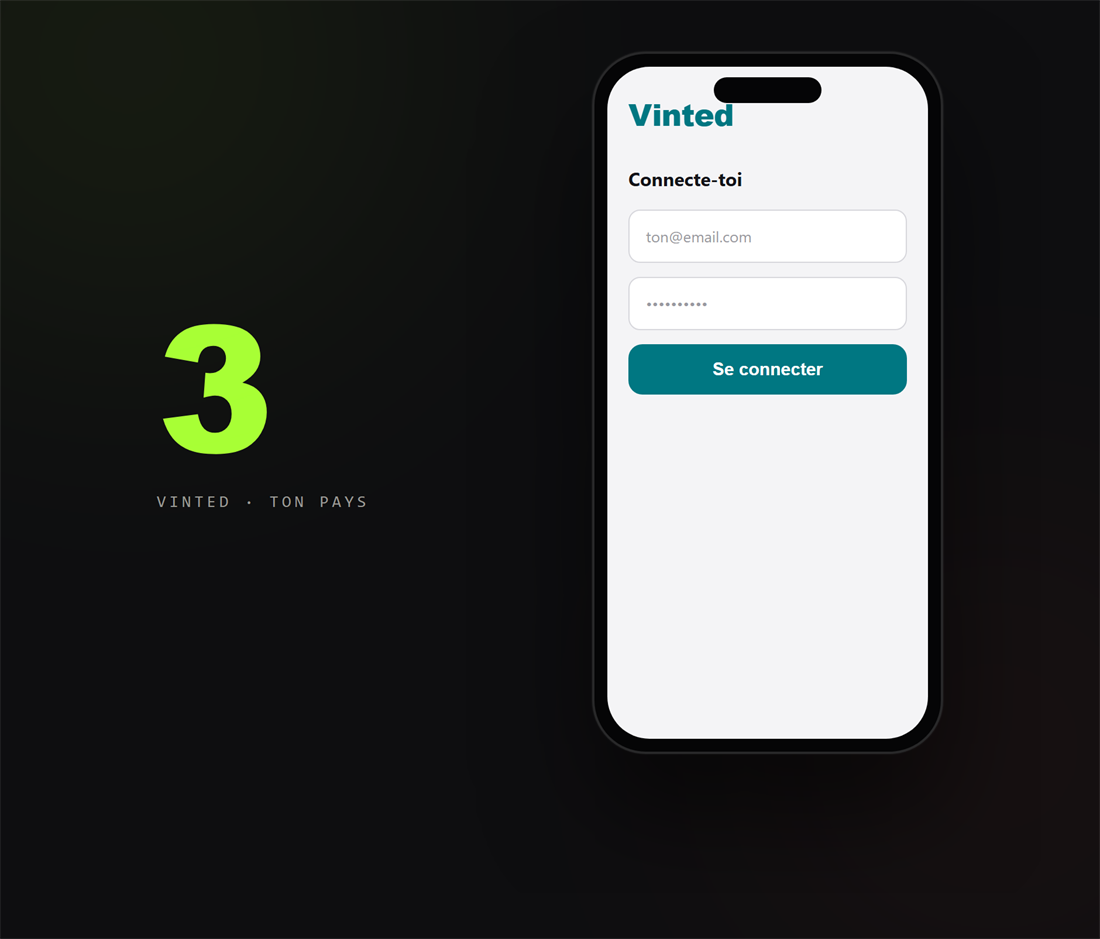
Va sur le Vinted de ton pays (vinted.fr, vinted.be, vinted.it…) et connecte-toi. C'est cette connexion qui autorise l'extension à collecter pour toi.
Rassure-toi : tu te connectes directement sur Vinted, comme d'habitude — Flipzer ne voit jamais ton mot de passe. L'extension lit seulement les annonces via ta propre session.
4. Connecte-toi à Flipzer
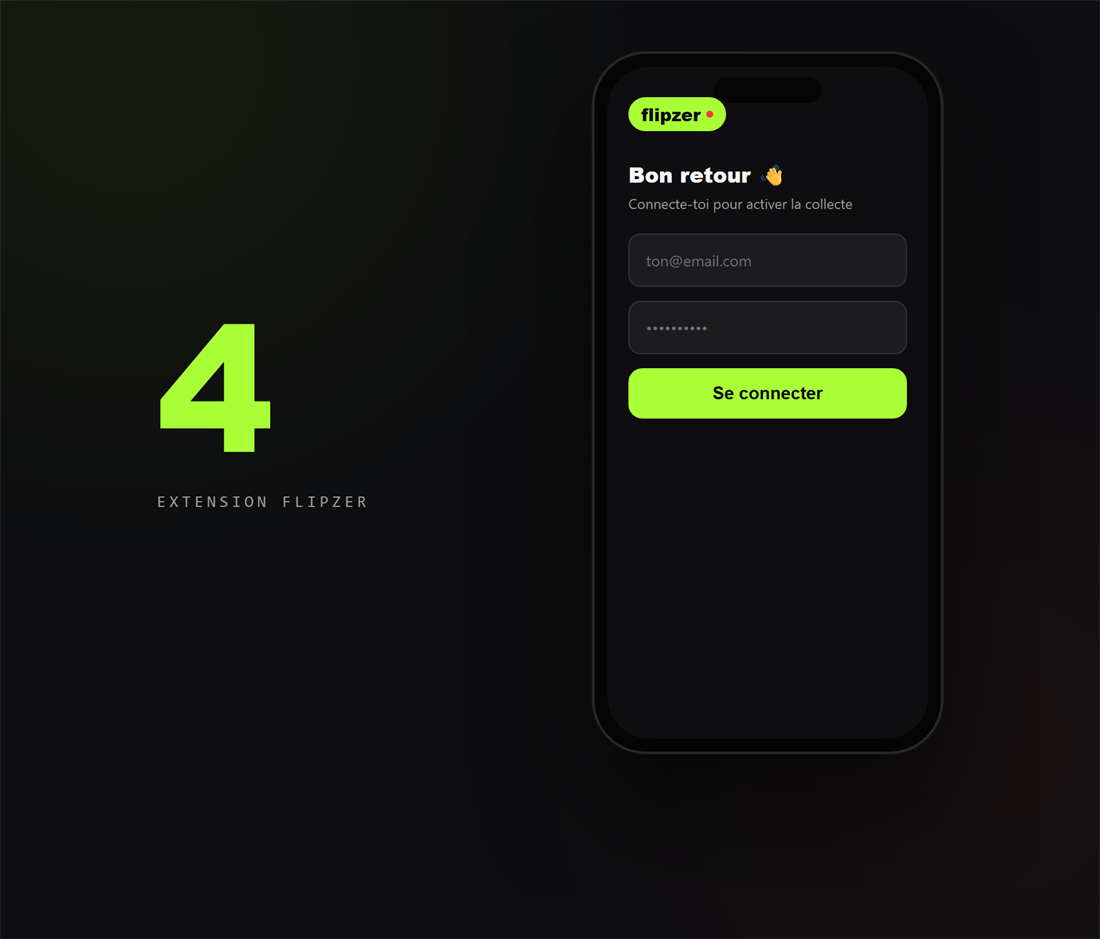
Ouvre l'extension (menu du navigateur ou icône épinglée) et connecte-toi avec ton compte Flipzer : elle est maintenant active sur ton téléphone.
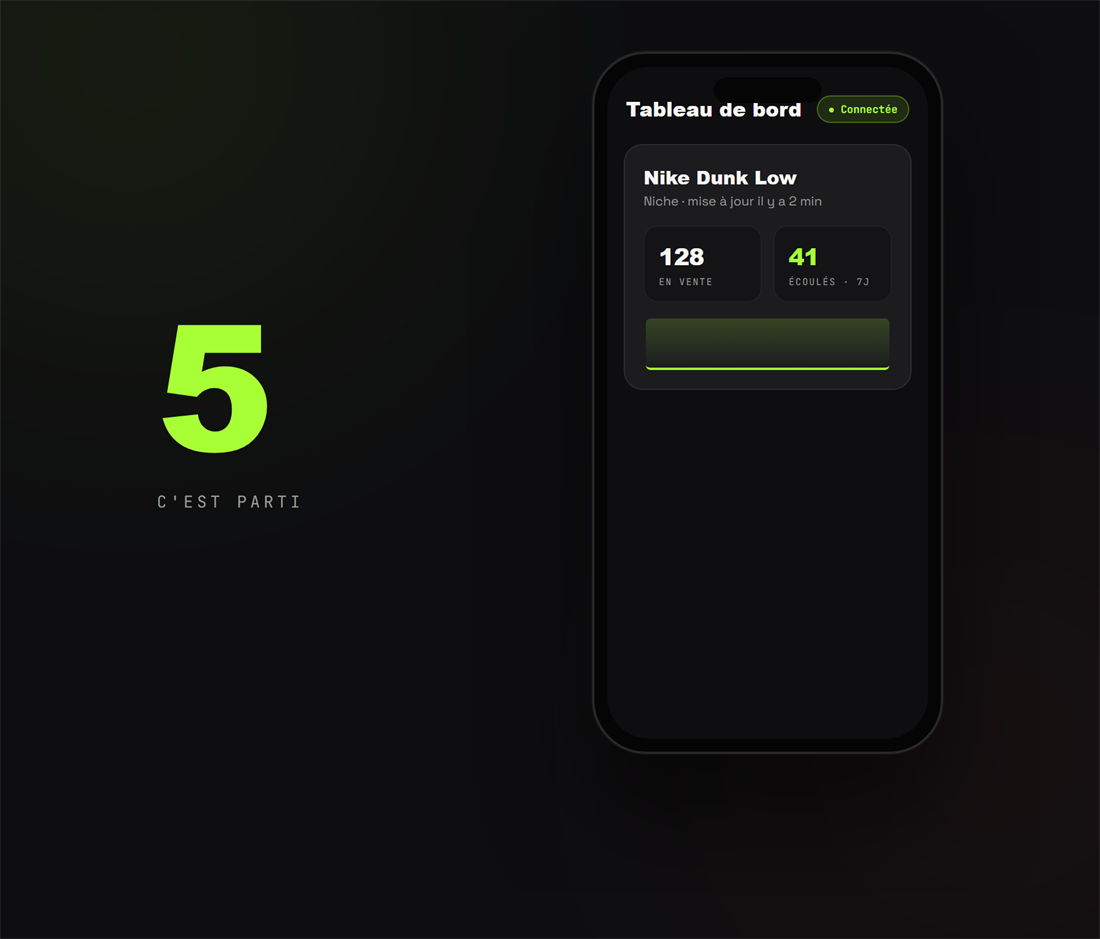
5. Crée ta première niche
Ajoute une niche depuis le tableau de bord : la collecte démarre et tes statistiques se remplissent dans les minutes qui suivent.
Et sur iPhone ?
Sur iPhone aussi c'est possible, avec le navigateur Orion (qui accepte les extensions). On t'explique tout dans le guide « Utiliser Flipzer sur iPhone » (lien en bas de page).
Si ça bloque
- Pas de bouton « Ajouter à Chrome » : tu n'es pas dans Yandex, ou pas sur la fiche du Chrome Web Store. Rouvre le lien depuis ton tableau de bord.
- Le tableau de bord reste « Non connectée » : garde un onglet Vinted ouvert et connecté dans Yandex, puis rouvre l'extension.
- La collecte s'arrête en arrière-plan : désactive l'optimisation de batterie de Yandex dans les réglages Android.
Questions fréquentes
Flipzer fonctionne-t-il sur iPhone ?
Oui, via le navigateur Orion (App Store), qui accepte les extensions du Chrome Web Store. La mise en place est un peu plus longue que sur ordinateur ou Android — suis le guide « Utiliser Flipzer sur iPhone ». Le tableau de bord, lui, est consultable depuis n'importe quel iPhone.
Quel navigateur utiliser sur Android ?
Yandex Browser, gratuit sur le Play Store : il prend en charge les extensions du Chrome Web Store, contrairement au Chrome standard d'Android.
Dois-je laisser mon téléphone allumé ?
La collecte tourne tant qu'un appareil avec l'extension active reste connecté à Vinted. Sur Android, désactive l'optimisation de batterie du navigateur pour qu'il ne soit pas fermé en arrière-plan. Beaucoup laissent plutôt l'extension tourner sur un ordinateur et consultent les résultats sur mobile.
Automatisez tout ça avec Flipzer
Repost, messages, suivi des ventes — depuis votre navigateur.
Commencer gratuitement