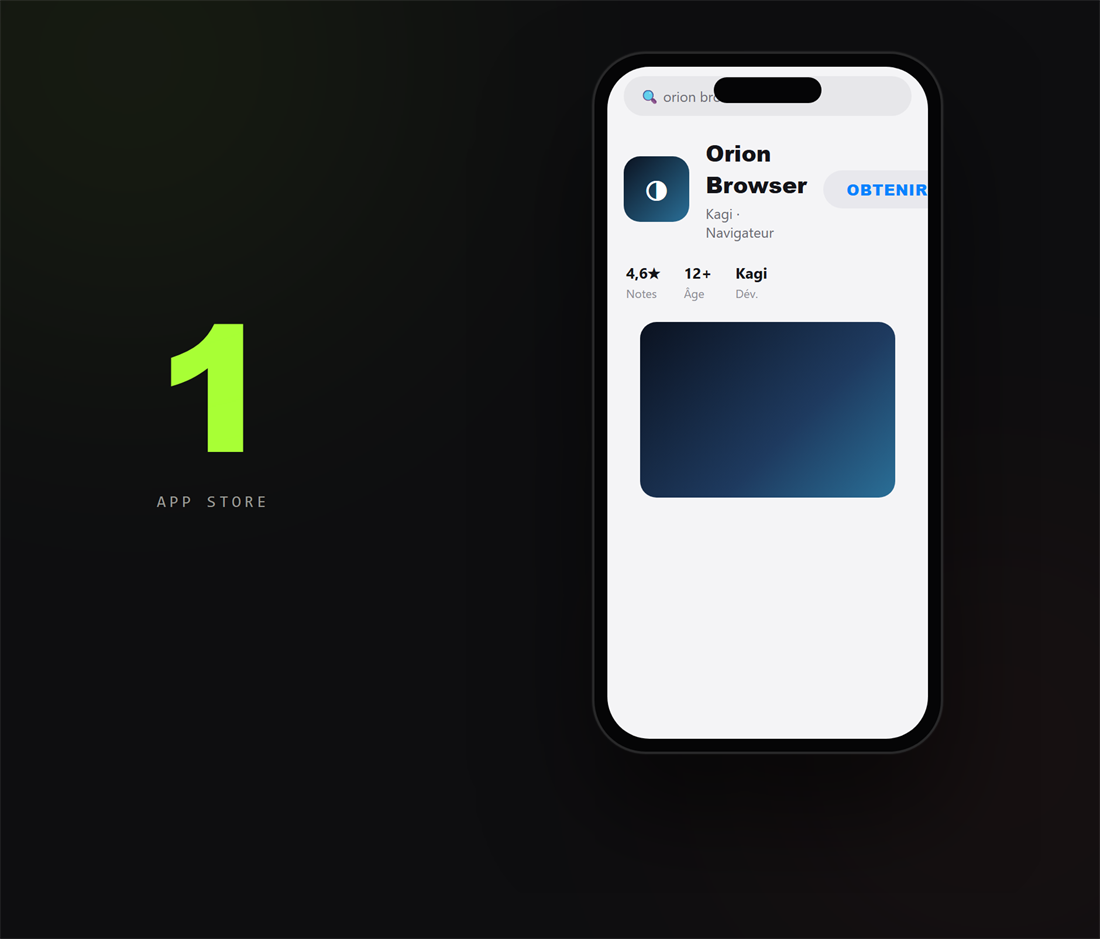
1. Installe Orion Browser
Sur l'App Store, cherche « Orion Browser » (de Kagi) et installe-le : c'est le navigateur iPhone qui sait charger les extensions du Chrome Web Store (Safari ne le permet pas).
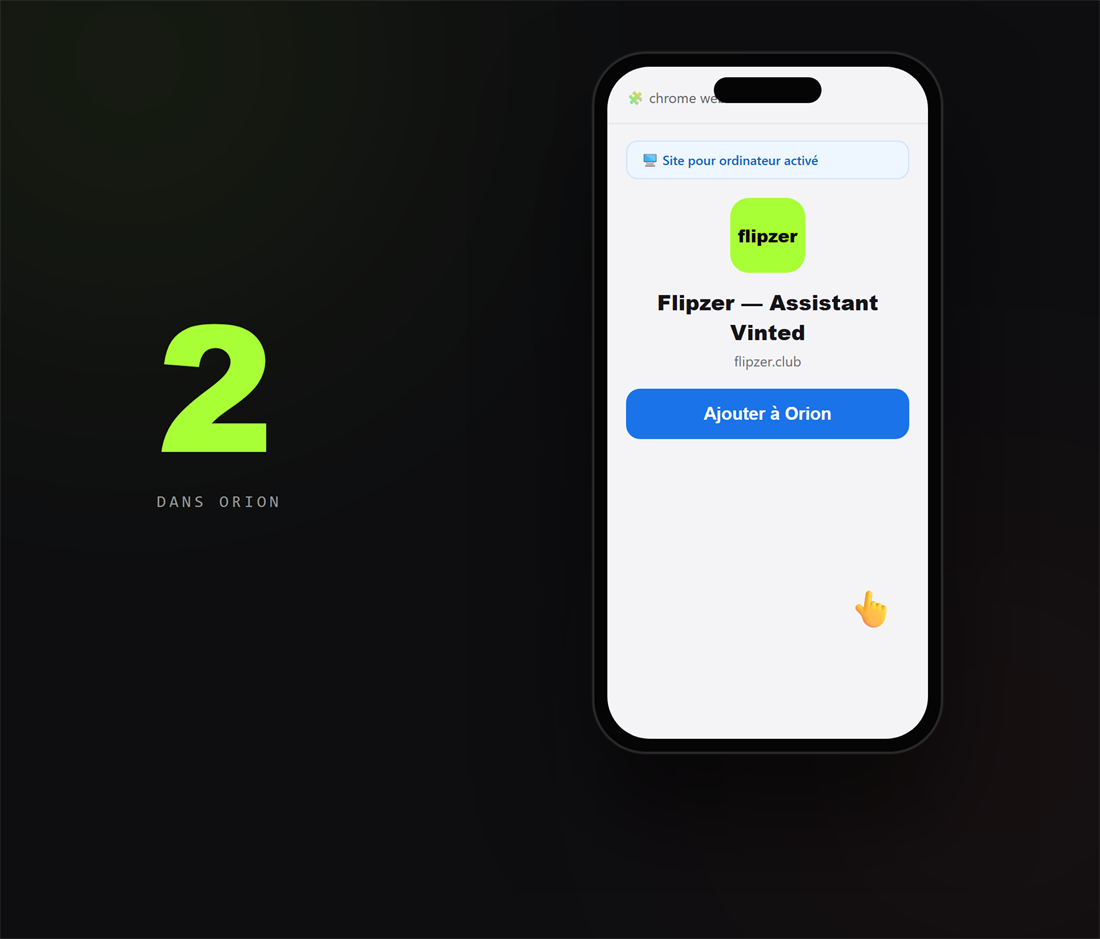
2. Ajoute l'extension Flipzer
Dans Orion, ouvre la fiche Flipzer (le lien est dans ton tableau de bord, onglet « Extension »). Active « Site pour ordinateur » dans le menu, puis appuie sur « Ajouter à Orion » et confirme.
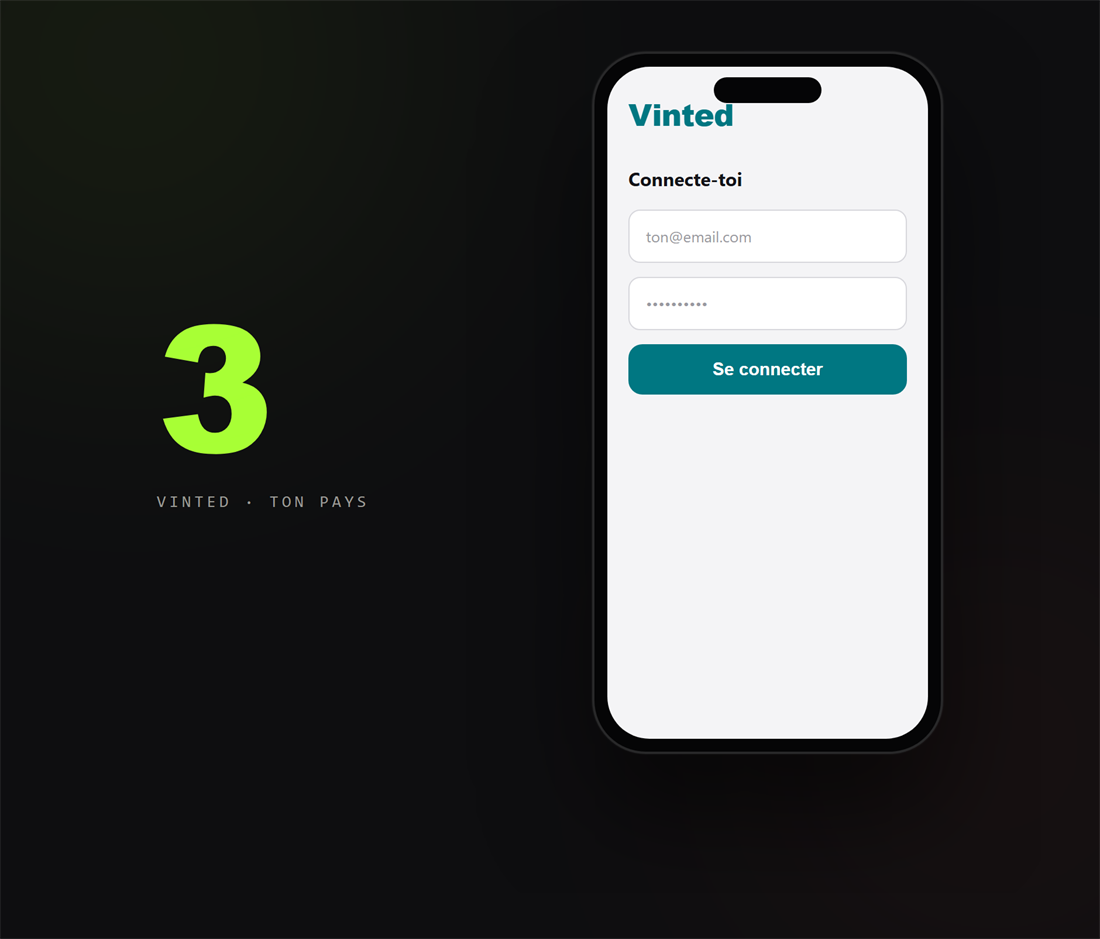
3. Connecte-toi à Vinted
Va sur le Vinted de ton pays (vinted.fr, vinted.be, vinted.it…) et connecte-toi. C'est cette connexion qui autorise l'extension à collecter pour toi.
Rassure-toi : tu te connectes directement sur Vinted, comme d'habitude — Flipzer ne voit jamais ton mot de passe. L'extension lit seulement les annonces via ta propre session.
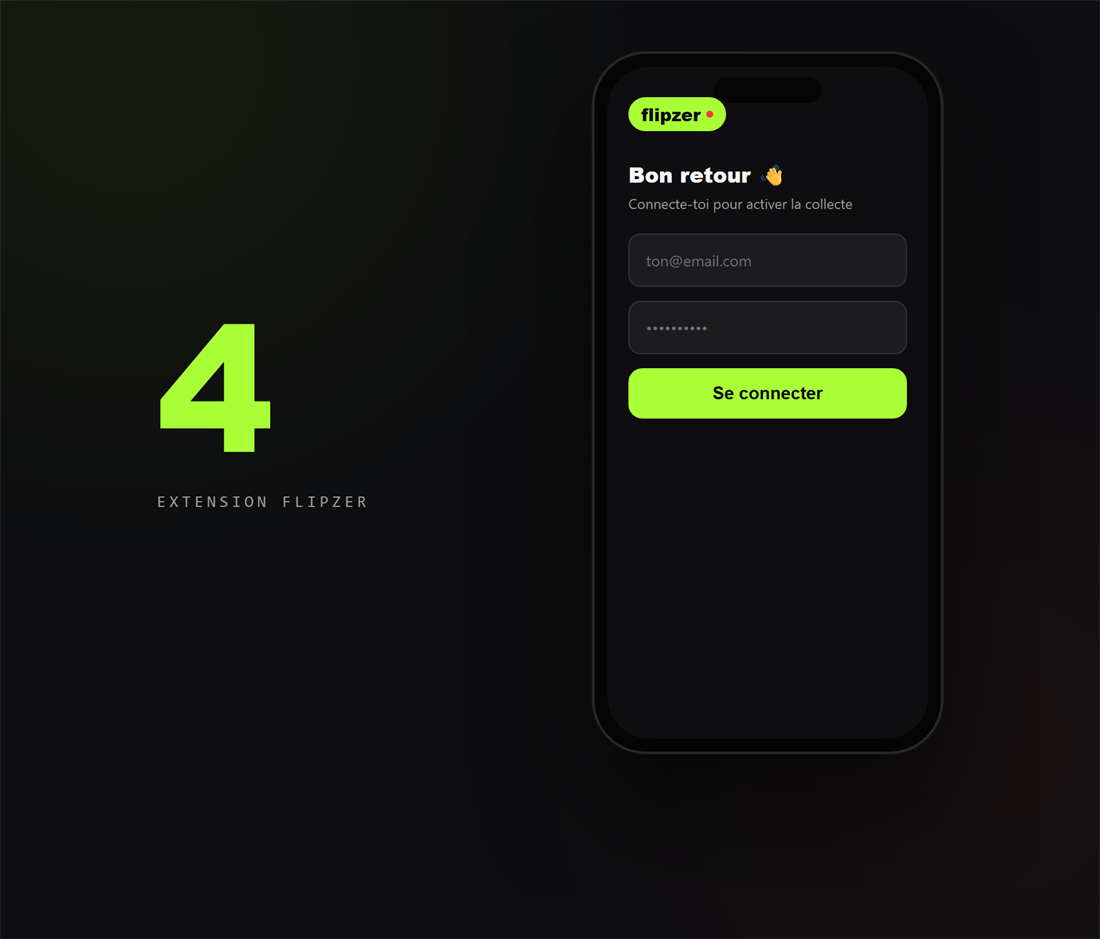
4. Connecte-toi à Flipzer
Ouvre l'extension Flipzer dans Orion et connecte-toi avec ton compte Flipzer : elle est maintenant active sur ton iPhone.
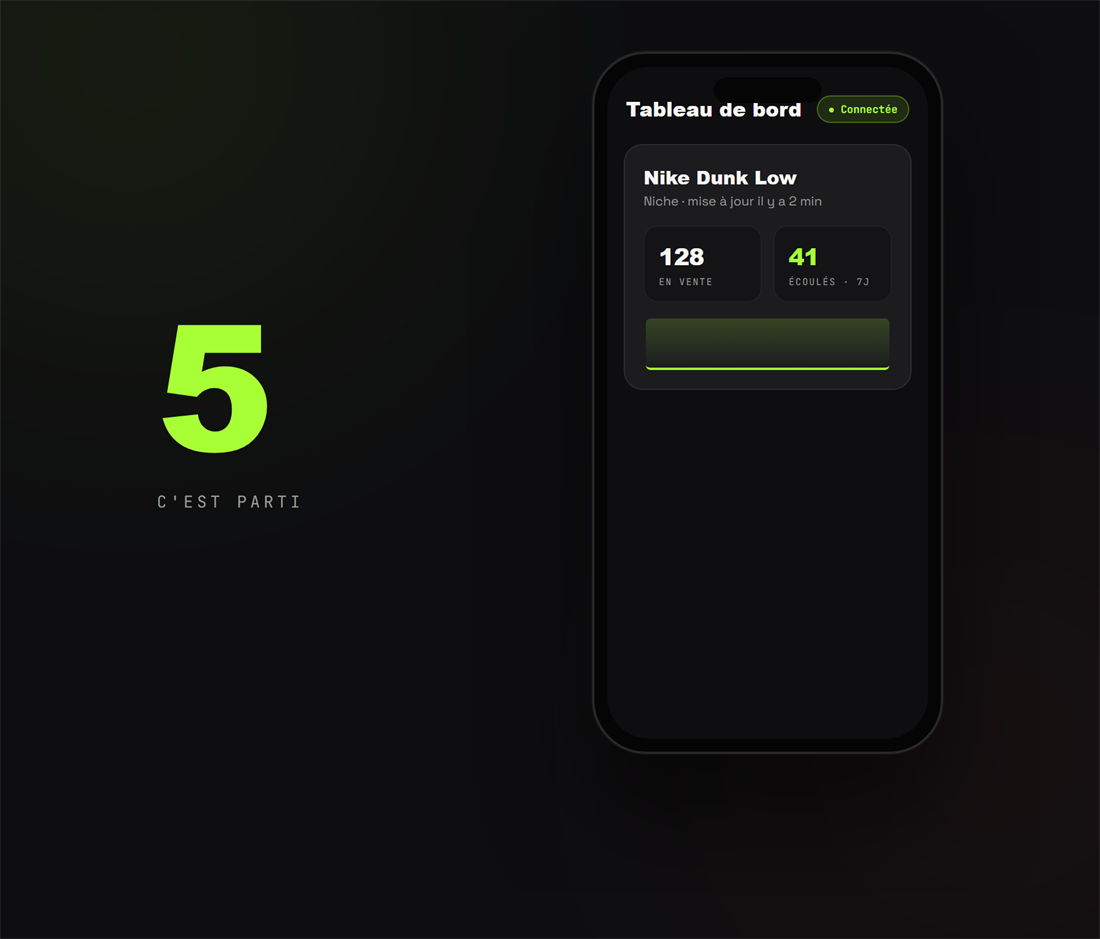
5. Crée ta première niche
Ajoute une niche depuis le tableau de bord : la collecte démarre et tes statistiques se remplissent dans les minutes qui suivent.
Si ça bloque
- Pas de bouton « Ajouter à Orion » : active d'abord « Site pour ordinateur » dans le menu d'Orion, puis recharge la fiche.
- Le tableau de bord reste « Non connectée » : garde un onglet Vinted ouvert et connecté dans Orion, puis rouvre l'extension.
- iPhone récalcitrant ? Un ordinateur ou un Android compatible reste le chemin le plus simple — et tu suis ensuite les résultats depuis ton iPhone.
Questions fréquentes
Quel navigateur utiliser sur iPhone ?
Orion Browser, disponible gratuitement sur l'App Store : il prend en charge les extensions du Chrome Web Store, contrairement à Safari. Pense à activer « Site pour ordinateur » avant d'ajouter l'extension.
Est-ce que Flipzer voit mon mot de passe Vinted ?
Non. Tu te connectes directement sur Vinted, comme d'habitude — Flipzer ne voit jamais ton mot de passe. L'extension lit seulement les annonces via ta propre session de navigateur.
C'est plus compliqué que sur Android ?
Un peu : sur iPhone il faut activer « Site pour ordinateur » dans Orion avant d'ajouter l'extension. À part cette étape, le parcours est le même. Si ça coince, un ordinateur ou un Android compatible reste le plus simple.
Automatisez tout ça avec Flipzer
Repost, messages, suivi des ventes — depuis votre navigateur.
Commencer gratuitement